
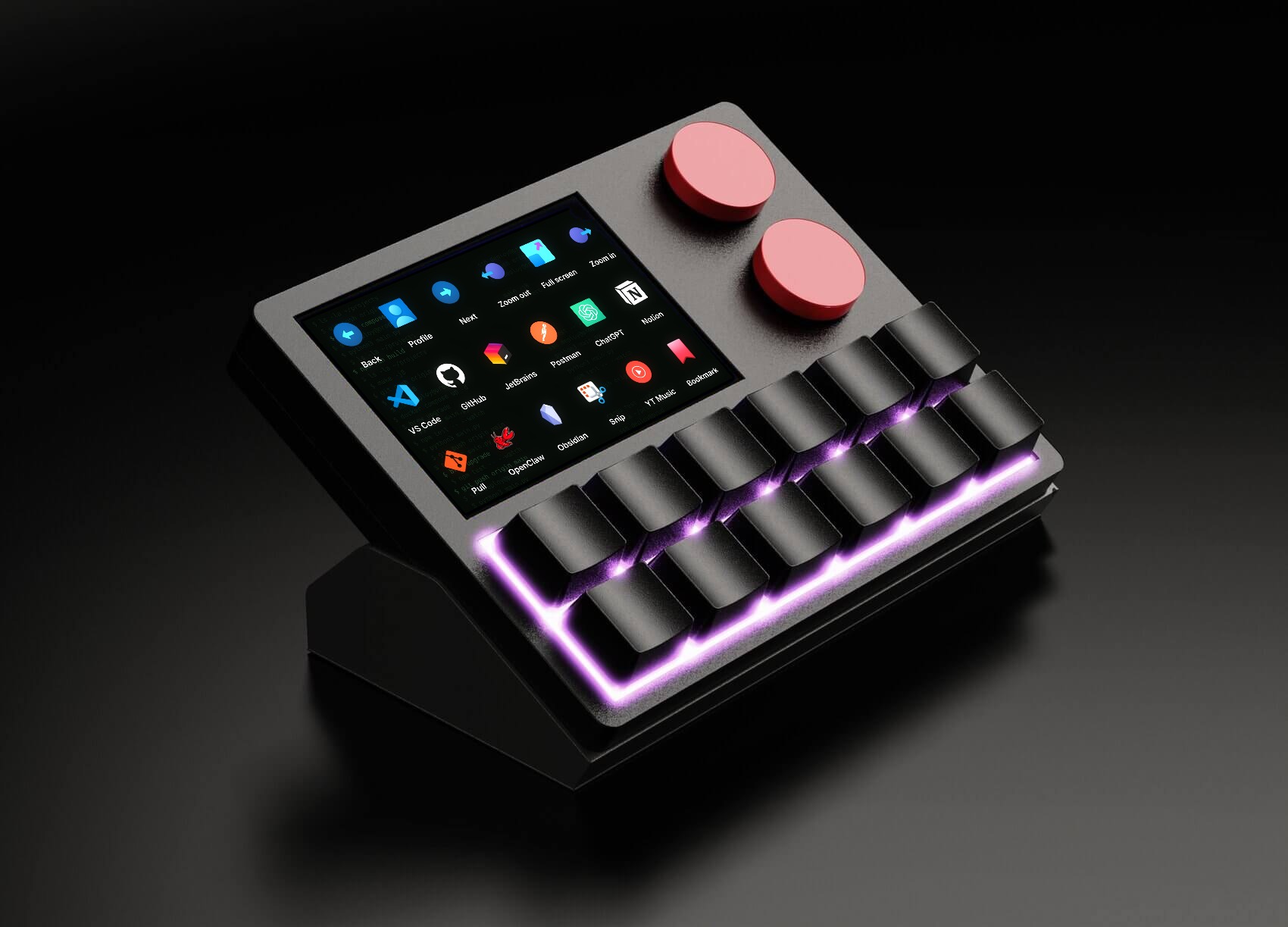
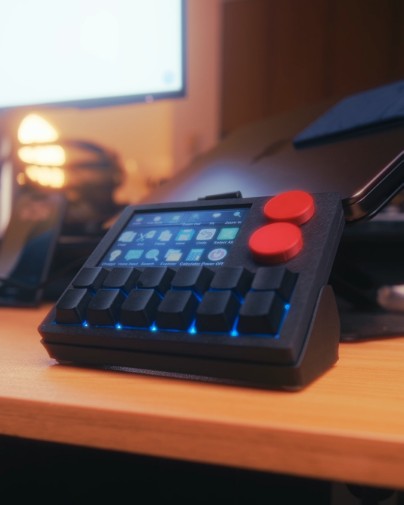
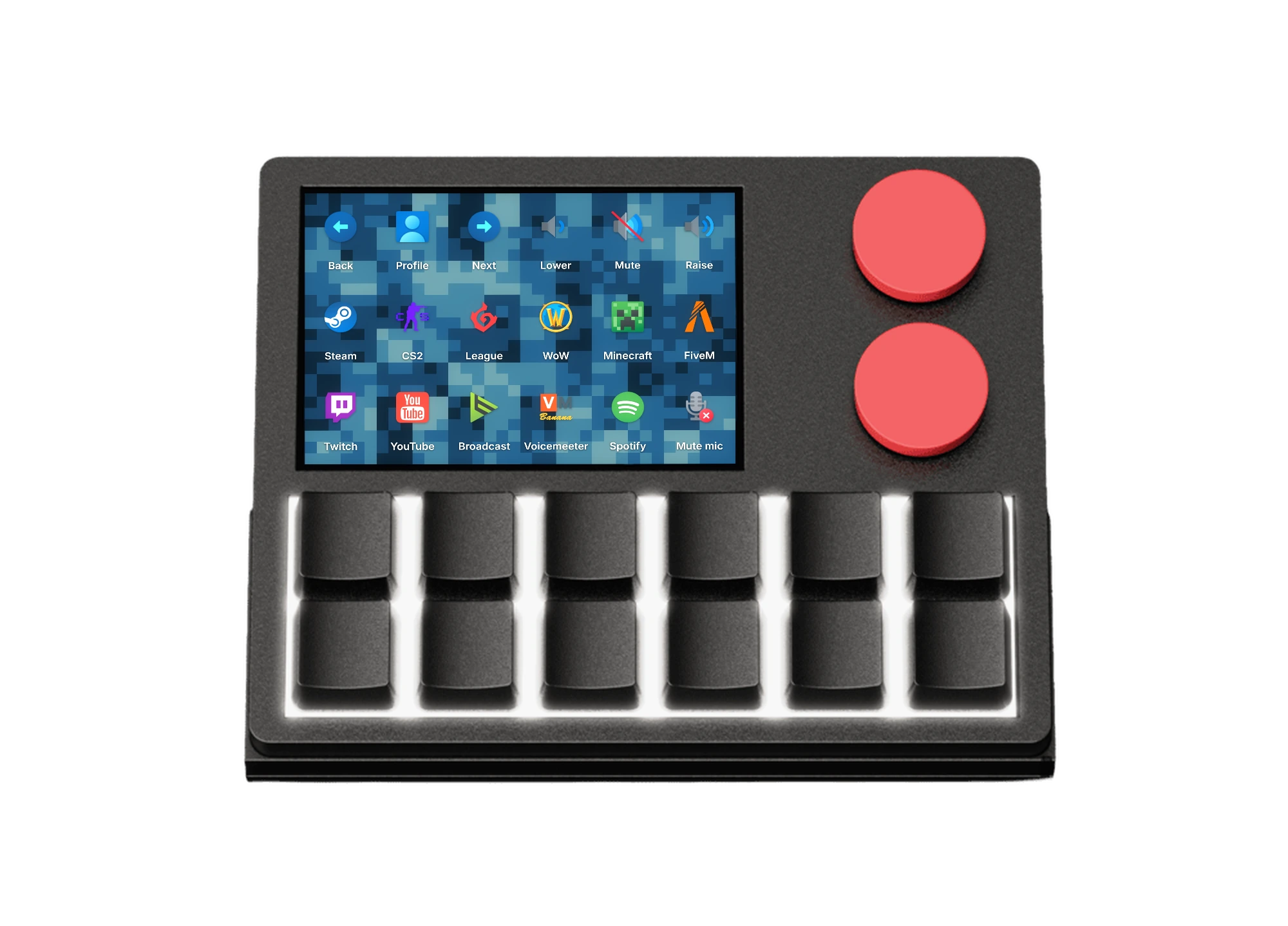
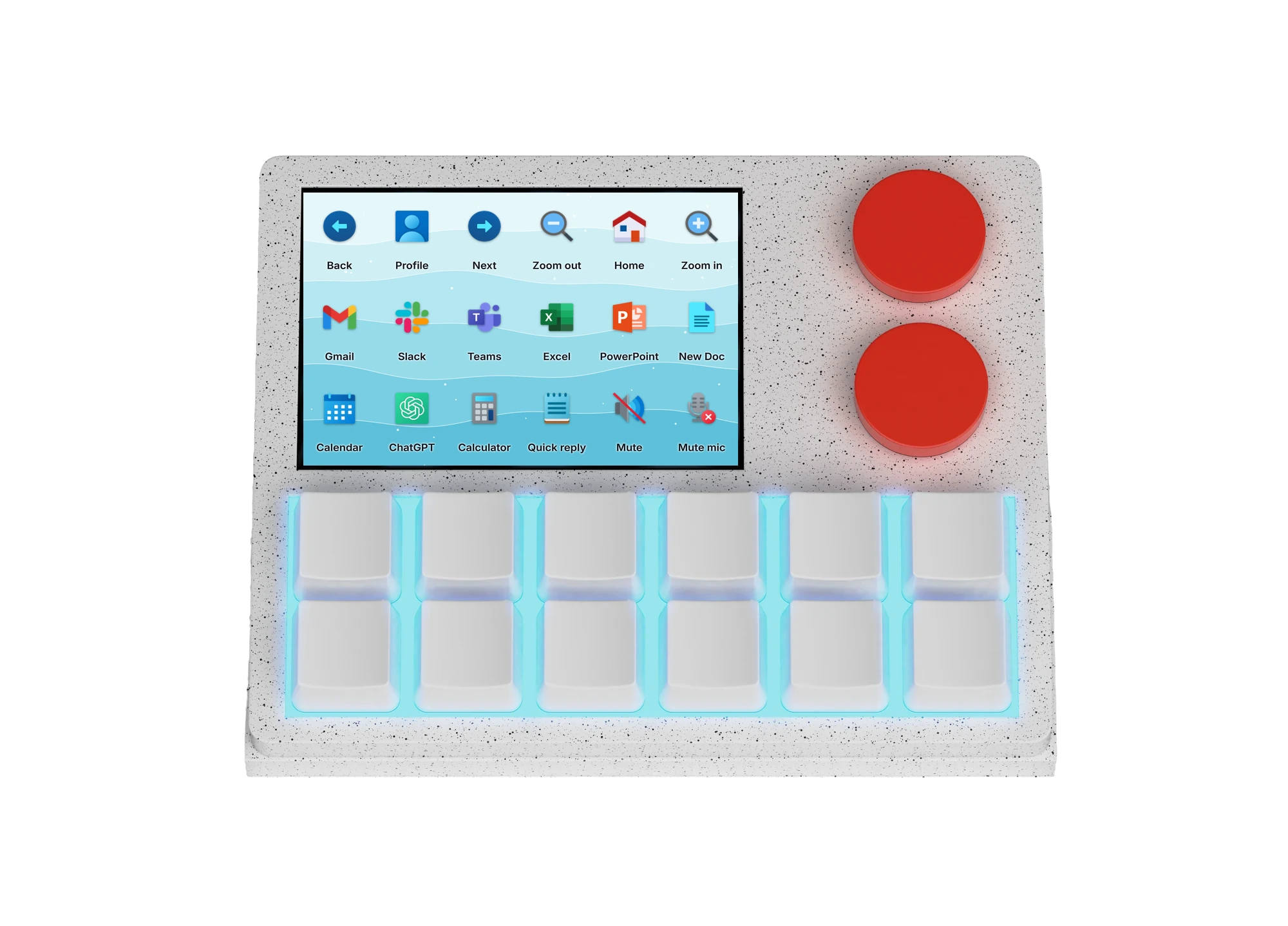
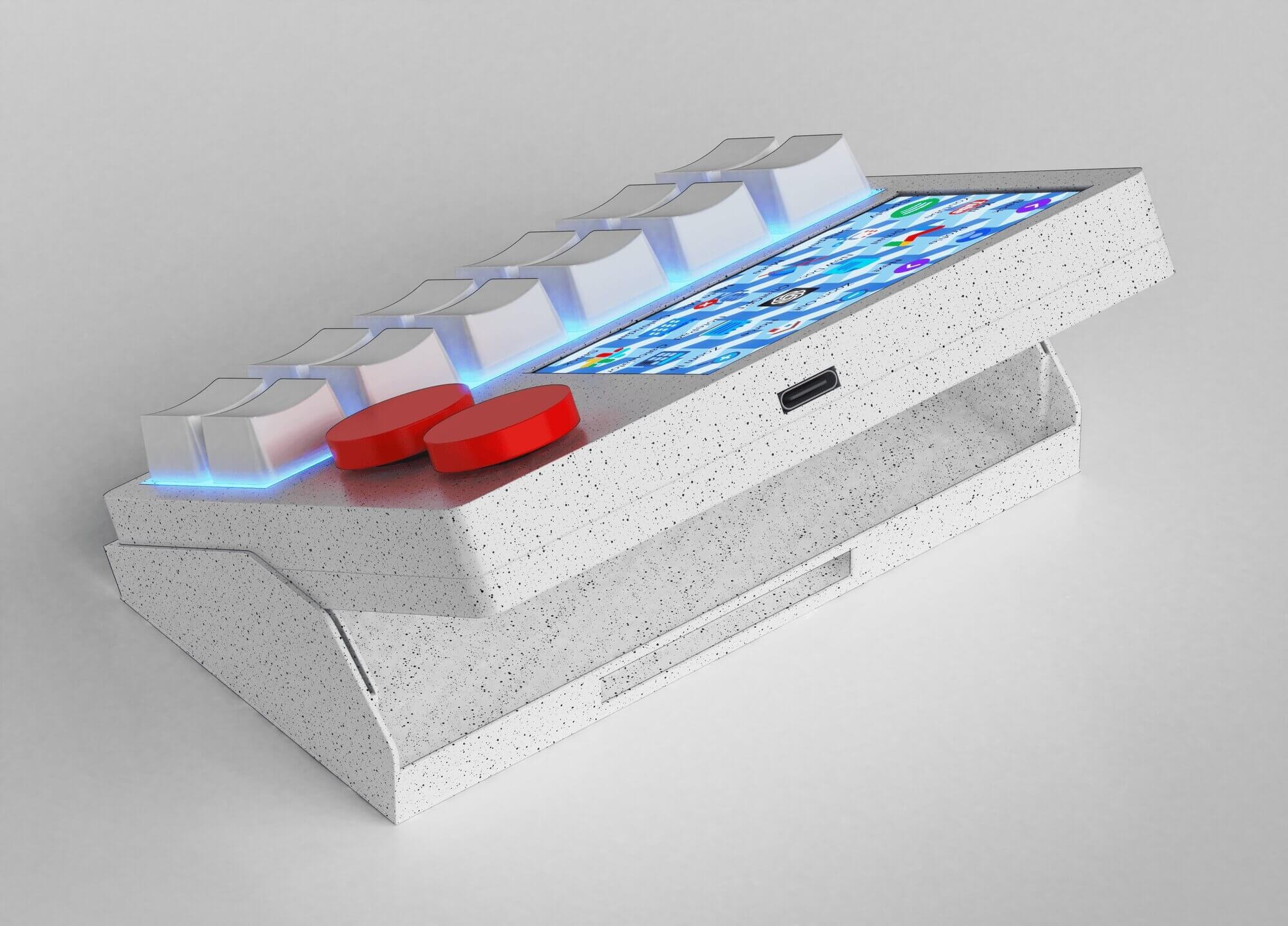
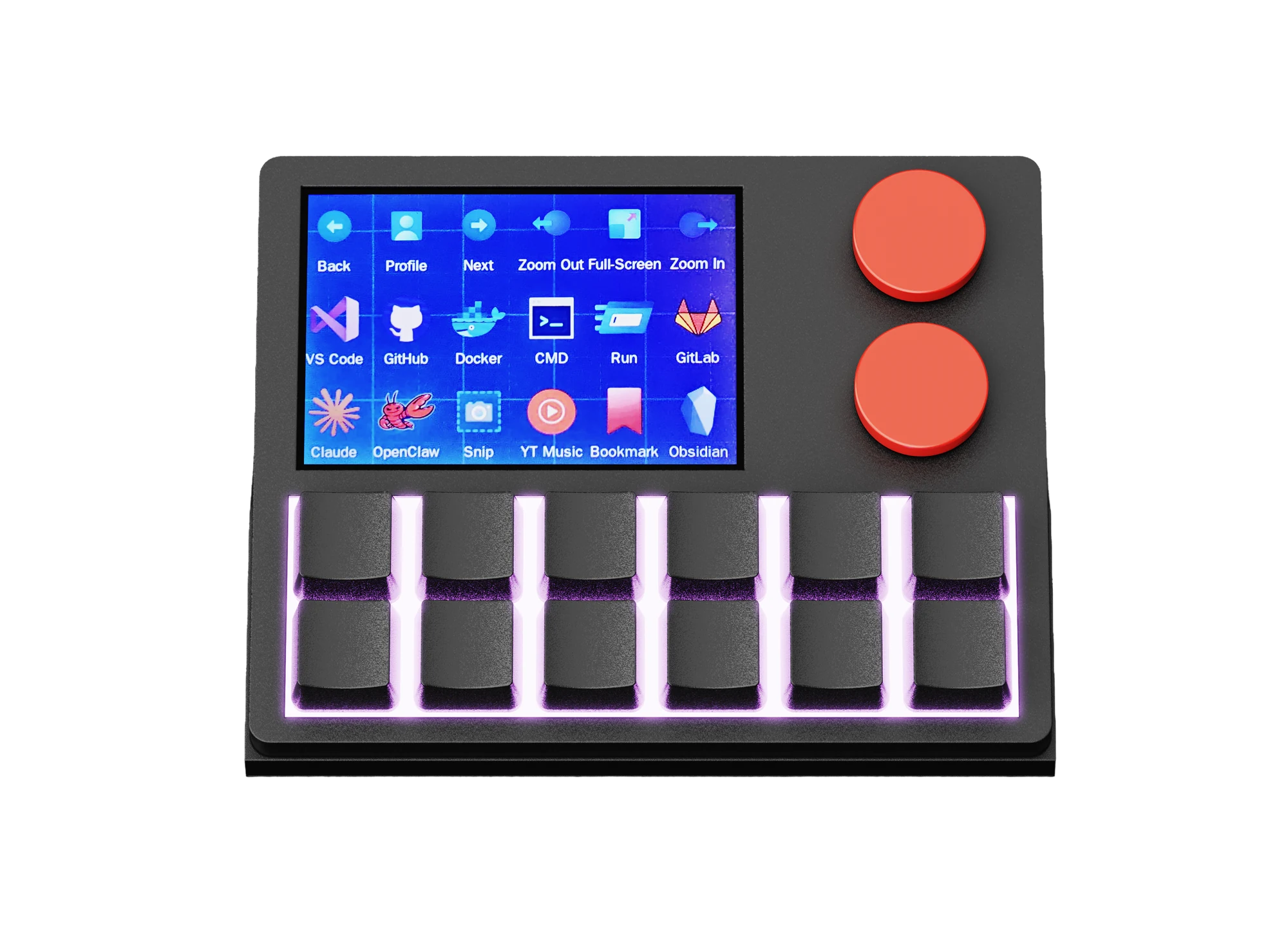
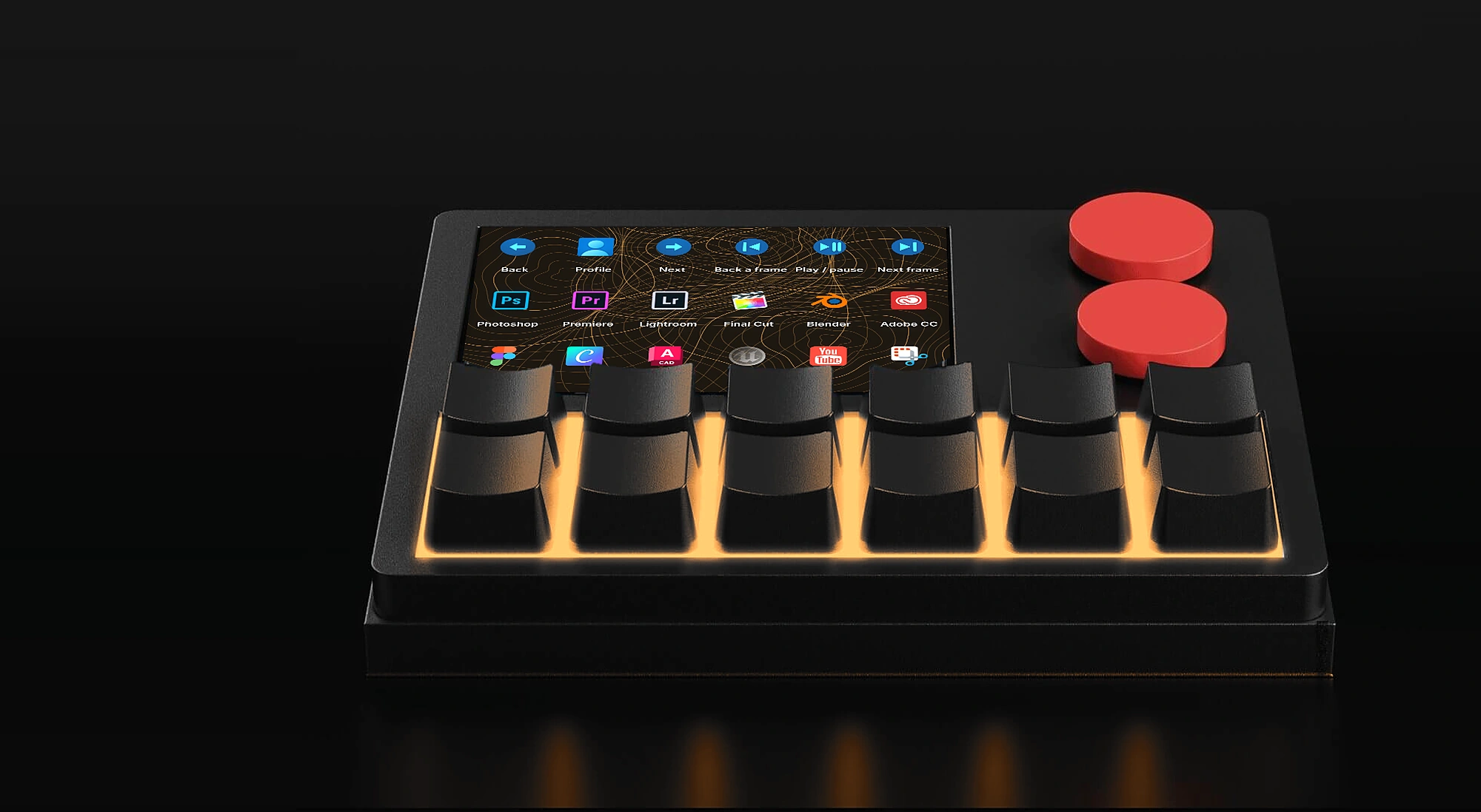
On its angled stand: set up for code, lit violet.
 DESIGNED IN AUSTRALIA
NexMacro 12-key
Twelve programmable keys, two dials and a live 3.5″ screen. Every shortcut, app and stat you reach for, one press away.
- 12 Hot-swap keys
- 2 Dials, turn and press
- 3.5″ Live colour screen
- 25 Profiles, 300 macros
- Ships worldwideTracked, dispatched within 1 business day.
- 30-day returnsNot for you? Send it back.
- 1-year warrantyCovered if anything fails.
- Secure checkoutCard, PayPal, Apple Pay or Google Pay.
 Ask on Discord
{{curCap}}
DESIGNED IN AUSTRALIA
NexMacro 12-key
Twelve programmable keys, two dials and a live 3.5″ screen. Every shortcut, app and stat you reach for, one press away.
- {{x.n}} {{x.t}}
- {{t.title}}{{t.sub}}
Ask on Discord
Everything it does.
Try it.
This is the real pad, live. Press a key, turn a dial, change the light. Everything you do here is something it does on your desk.
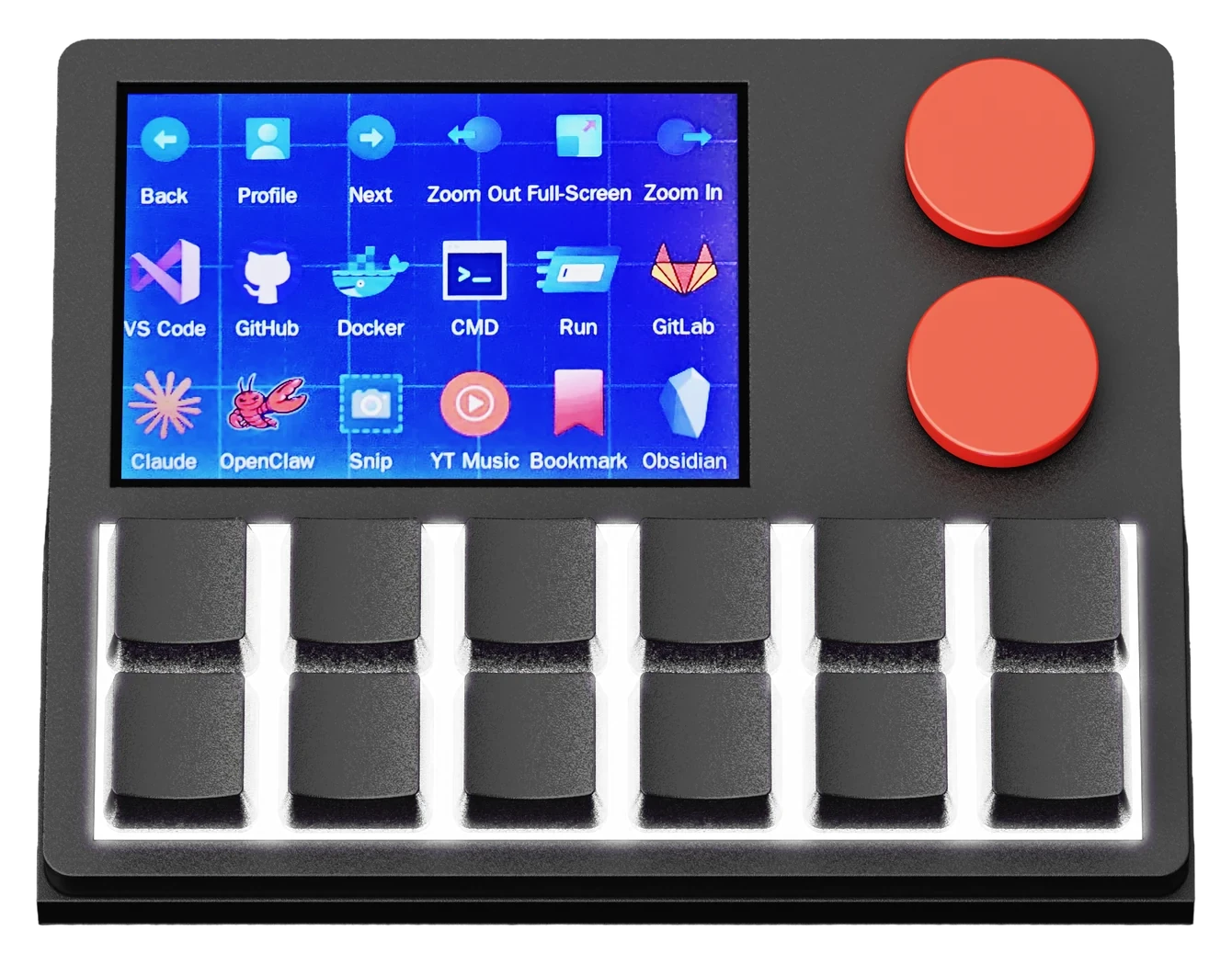
- Keys
- Screen
- Dial two
- Light
- Turn ←
- Press
- Turn →
One key. Any command.
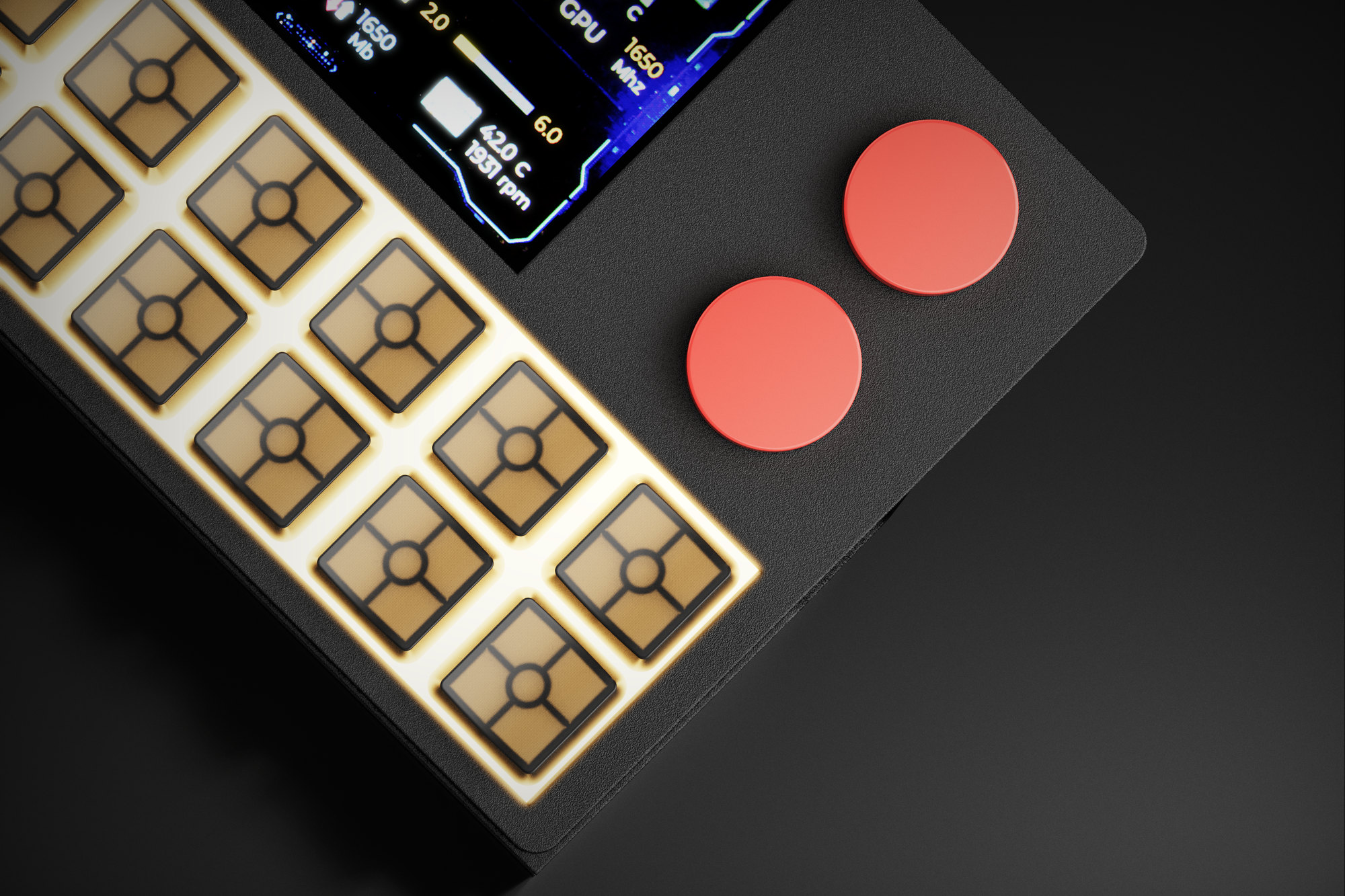
Change the feel in seconds.
Pull a switch, push in any MX-style one. No soldering.
Plug it in. It’s a keyboard.
Over USB-C it shows up as a standard keyboard on all three.
- Windows 10+ App v1.0.0
- macOS 12+ App beta · soon
- Linux App beta · soon
Everything it does.
Try it.
This is the real pad, live. Press a key, turn a dial, change the light. Everything you do here is something it does on your desk.
- {{x.k}}
- {{r.how}}
One key. Any command.
Change the feel in seconds.
Pull a switch, push in any MX-style one. No soldering.
Plug it in. It’s a keyboard.
Over USB-C it shows up as a standard keyboard on all three.
- {{c.os}} {{c.note}}
Built for real workflows,
not just desk aesthetics.
A control surface for creators, developers, streamers and power users who want faster access, cleaner setups and deeper control over the tools they use every day.
One press. Done.
Shortcuts, apps, typed text and chained commands, each on a single key.
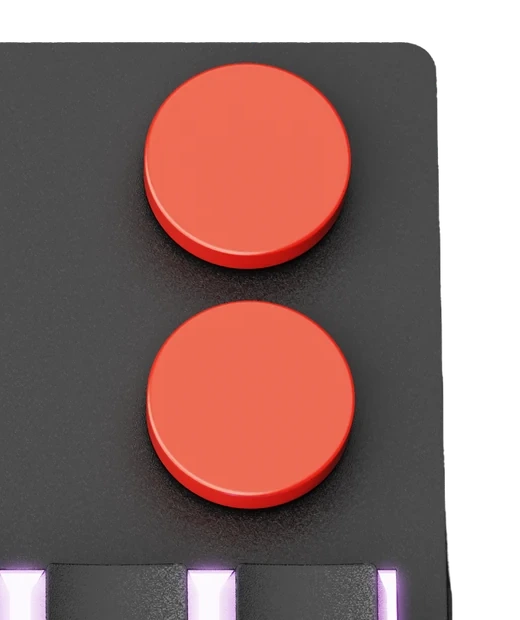
Dual rotary knobs.
- Profile 03 / 25
- Volume 64%
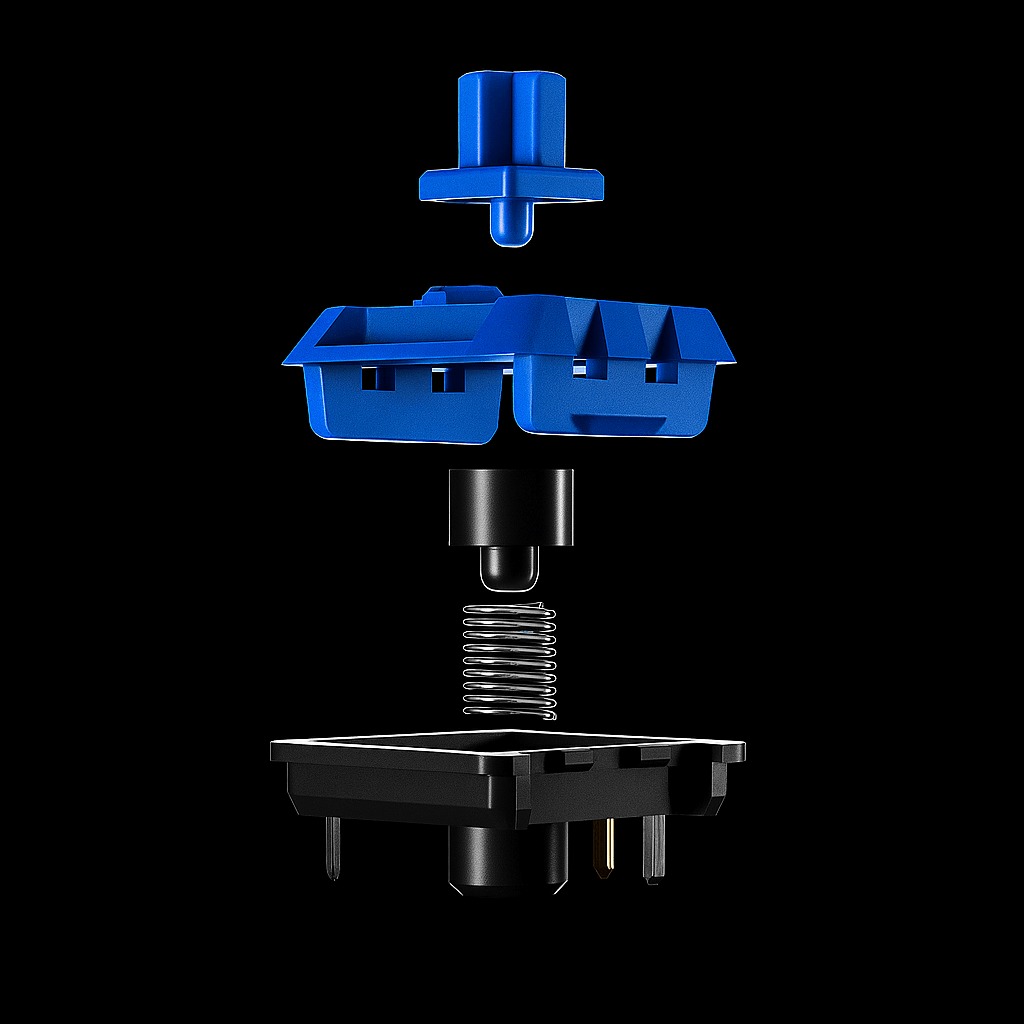
Swap a switch in seconds.
Hot-swappable sockets for MX-style switches. Pull one out, push another in. No soldering.
Taps, holds, layers, app actions, shortcuts and chained commands.
Work, streaming, editing, gaming and your own layouts. Each with its own keys, screen and light.
Built for real workflows,
not just desk aesthetics.
A control surface for creators, developers, streamers and power users who want faster access, cleaner setups and deeper control over the tools they use every day.
One press. Done.
Shortcuts, apps, typed text and chained commands, each on a single key.
Dual rotary knobs.
- {{k.name}} {{k.value}}
Swap a switch in seconds.
Hot-swappable sockets for MX-style switches. Pull one out, push another in. No soldering.
Taps, holds, layers, app actions, shortcuts and chained commands.
Work, streaming, editing, gaming and your own layouts. Each with its own keys, screen and light.
Device. Stand.
Cable.
Everything you need is in the box. Plug it in, set it up in the free app and get to work.
NexMacro device
Twelve keys, two knobs and the 3.5″ live screen, with profiles, macros and display control.
- 126 × 105 mm
- Acrylic case
- Black or White
Angled desk stand
Tilts the pad toward you, so the screen and every key label are easy to read from your chair.
- Angled
- Desk-ready
1 m USB-C cable
Wired power and control in one cable. Nothing to charge, nothing to pair.
- 1 m
- USB-A to USB-C
Windows, macOS and Linux.
Tested on Windows 10+, macOS 12+ and modern Linux. It connects as a standard USB HID device, so there are no drivers to install.
 App available
- Works as a keyboardYes
- Configurator appv1.0.0
- Icons, GIFs, RGB, statsYes
 App beta soon
- Works as a keyboardYes
- Configurator appBeta soon
- Icons, GIFs, RGB, statsWith the app
 App beta soon
- Works as a keyboardYes
- Configurator appBeta soon
- Icons, GIFs, RGB, statsWith the app
Device. Stand.
Cable.
Everything you need is in the box. Plug it in, set it up in the free app and get to work.
{{c.title}}
{{c.body}}
- {{t}}
Windows, macOS and Linux.
Tested on Windows 10+, macOS 12+ and modern Linux. It connects as a standard USB HID device, so there are no drivers to install.
- {{r.k}}{{r.v}}
Before you buy.
06 — Questions
Something else? Ask on Discord
Before you buy.
06 — Questions
Something else? Ask on Discord
-
{{f.a}}
-
{{f.a}}