


NexMacro Series

NexMacro 12‑Key Macro Pad with Dual Knobs & Display

A premium desktop control pad built for creators, developers, power users, and gamers. Launch apps, trigger macros, control media, switch profiles, and monitor live system stats from one sleek device.

Early access launch · Premium desktop workflow gear
Launch Price
84.49
95.76 Save  11.27
Or 4 payments of 21.12
Choose Colour
Worldwide Shipping
Shipping Today
Aussie Designed
Early Adopter Special

Your Entire Workflow. One Touch.

Stop digging through menus. NexMacro gives you 12 dynamic display keys, dual precision knobs, and fully programmable control with support for custom GIFs and icon packs.

Fully Programmable
25 Dynamic Profiles Context-aware control. Build different layouts for editing, coding, streaming, and productivity. Set your own Icons, Backgrounds & RGB Lighting
Custom Layouts
Infinite Possibilities Your setup, your way. Assign shortcuts, macros, launches, GIFs, and icon-based layouts across every profile.
Precision Control
Dual Precision Knobs Tactile mastery. Scrub timelines, tweak brush sizes, control audio, zoom, and fine-tune actions instantly.
For Creators

Scrub timelines, toggle layers, and export faster.

For Developers

Trigger Git commands, launch tools, and switch workflows instantly.

For Streamers & Gamers

Fire scene changes, mute fast, and monitor your rig in real time.

Join Our Discord Community Get updates, setups, tips, and early access news
Why NexMacro

Built for Real Workflows, Not Just Desk Aesthetics

A modular control surface designed for creators, developers, streamers, and power users who want faster access, cleaner setups, and deeper control over the tools they use every day.

Developer Workflow

Command Your Workflow

Trigger shortcuts, launch tools, and move through work faster with tactile control built for real desktop use.

Real shortcuts. Real workflow.
Now running System Shortcut
$
WIN + SHIFT + S Ctrl + Shift + Esc Windows + R Ctrl + V git commit -m "Main build" docker compose up -d code . ########## npm run dev WIN + SHIFT + S → Ctrl + V Launch Game → Open Discord → Enable PTT OBS Scene → Discord Mute → Start Music
WIN + SHIFT + S Ctrl + Shift + Esc Windows + R Ctrl + V Git Commit
Precision Control

Dual Rotary Knobs

Dual rotary knobs
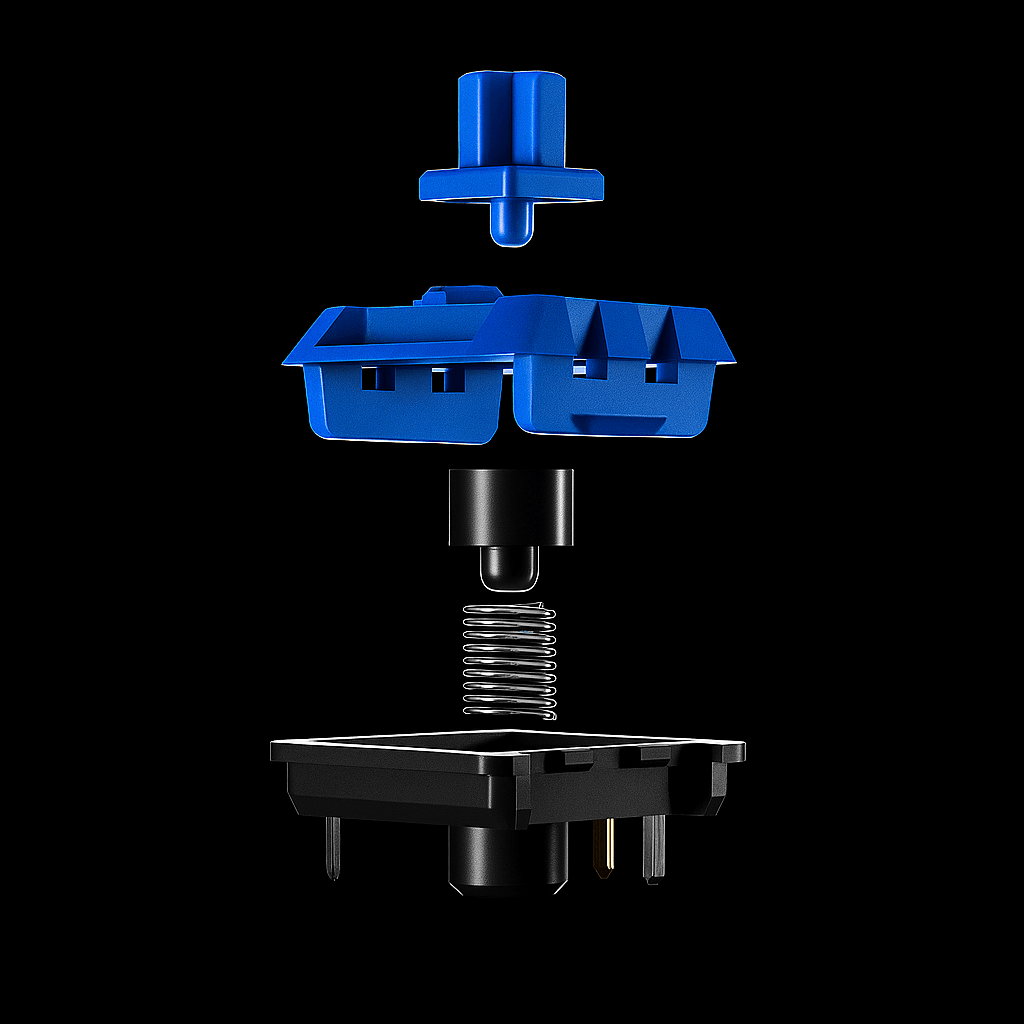
Exploded mechanical switch
Macros

300

Tap, hold, layers, app actions, shortcuts, macros, and chained commands across the pad.

Profiles

25

Jump between work, streaming, editing, gaming, and custom layouts in a tap.

Custom Visuals

Icons, Backgrounds & Workflow Layouts

Give every key a clearer identity with animated visuals, icons, and faster at-a-glance recognition.

Microphone icon
GIF icon
OBS icon
Macro icon
Web icon
App icon
Web icon
App icon
Web icon
Web icon
Web icon
Web icon
Photoshop icon
Premiere Pro icon
Volume icon
Profiles icon
Docs icon
Developer icon
Reactive Lighting

RGB That Feels Alive

Set profile colours, bring more desk presence to each layout, and make active modes easier to identify at a glance.

Live System Stats

Monitor Your System.

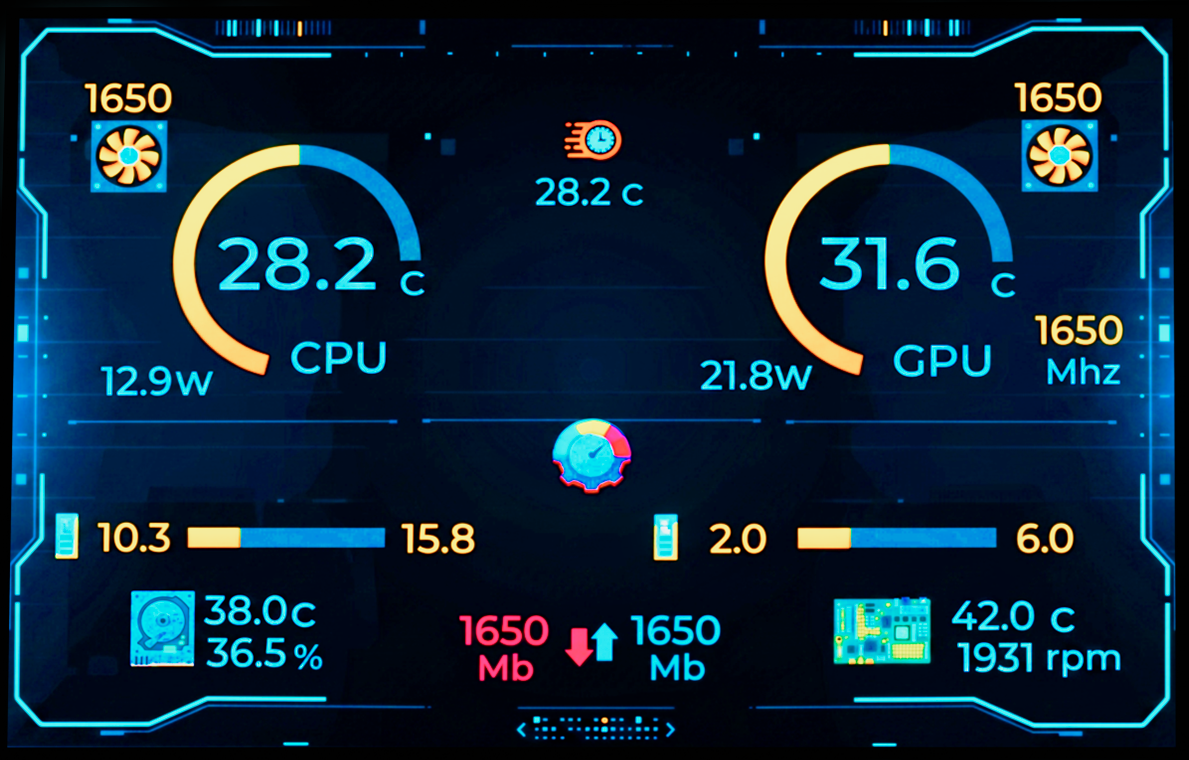
See CPU, GPU, fan, power, disk, network, and uptime data without leaving your workflow.

NexMacro 3.55 inch display showing live system stats
Large On-Device Display

3.55" Display

A larger on-device screen for shortcut labels, profile names, live system stats, and clearer workflow context.

Profiles Switch Modes
Screens Stats / Macros
Visuals Custom Backgrounds
Box Contents

Device. Stand. Cable.

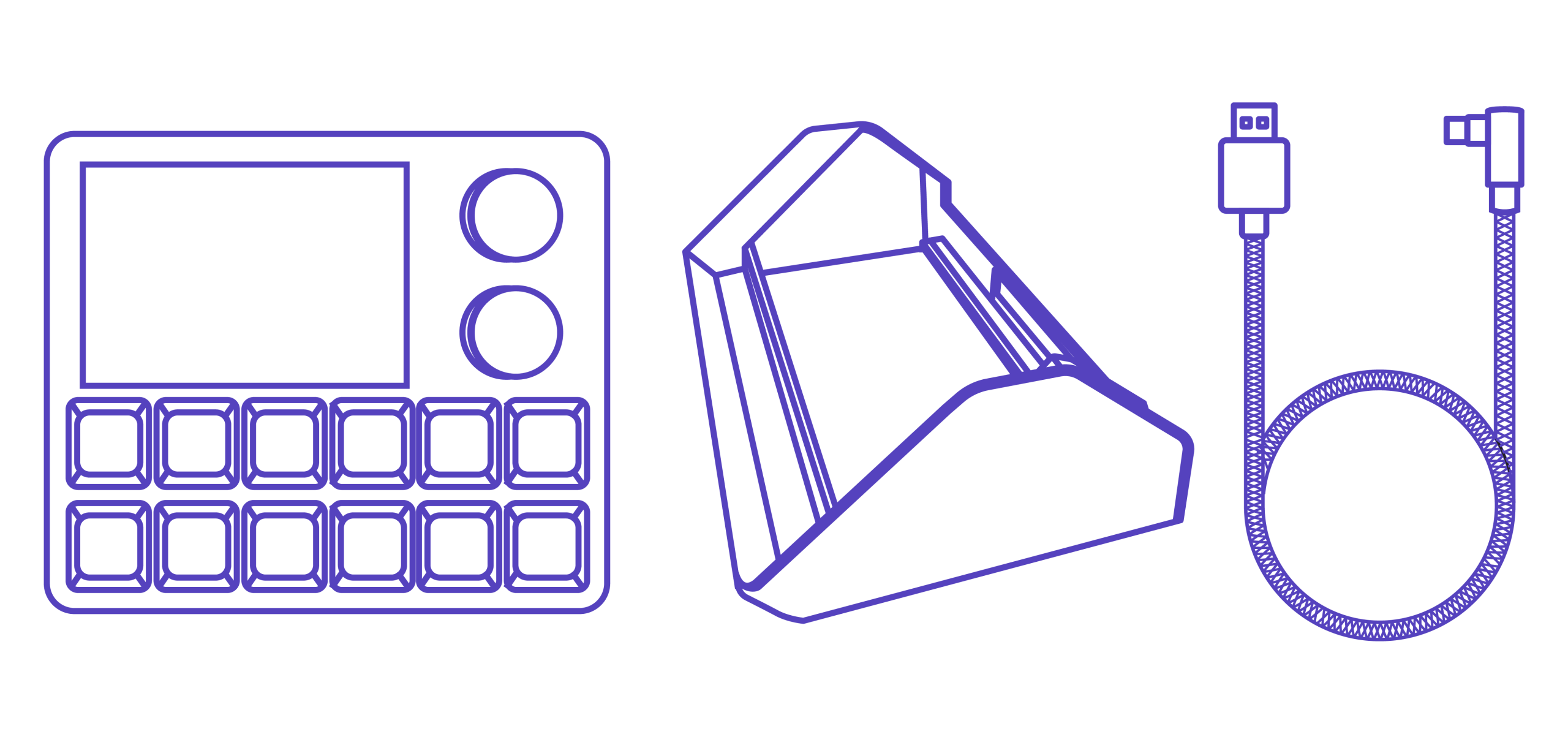
Everything included with NexMacro, shown clearly in one clean layout before it lands on your desk.

NexMacro macropad, angled stand, and USB-C cable included in the box
01 Macropad
02 Stand
03 USB-C
01 Macropad
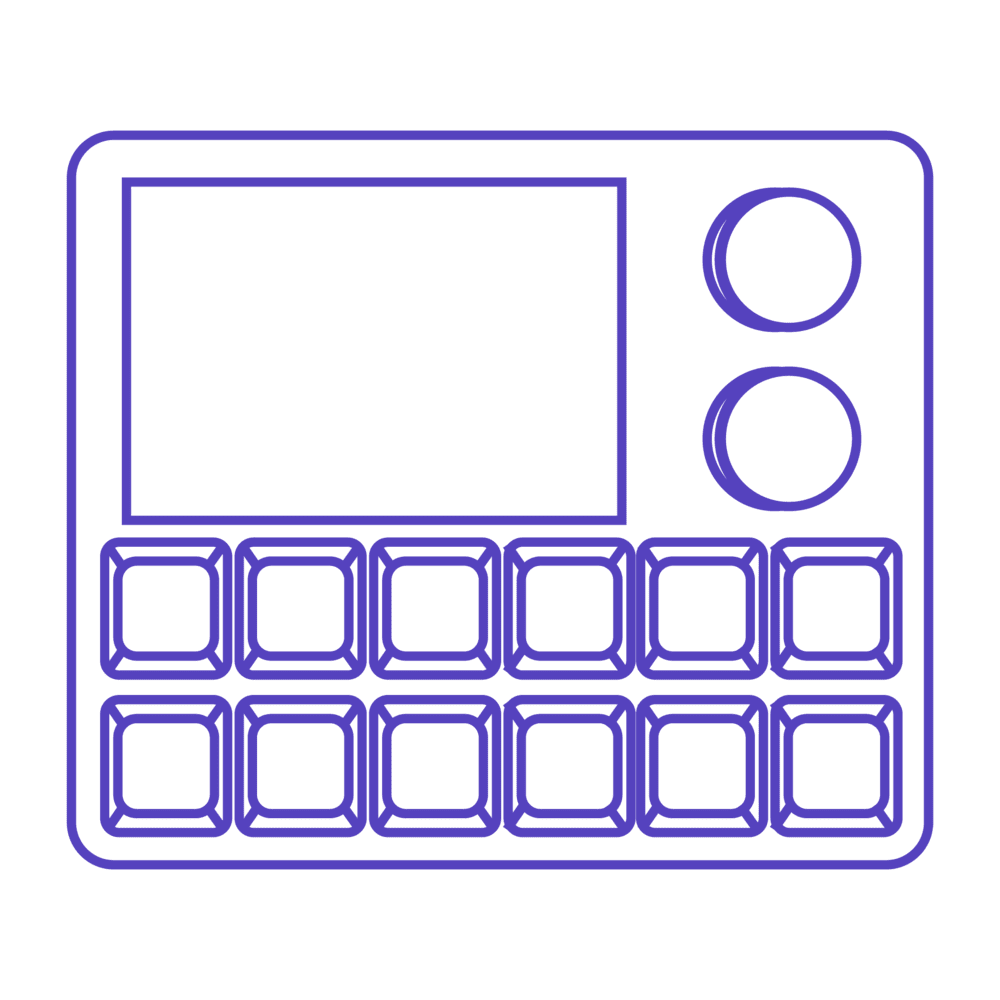
NexMacro macropad outline
02 Stand
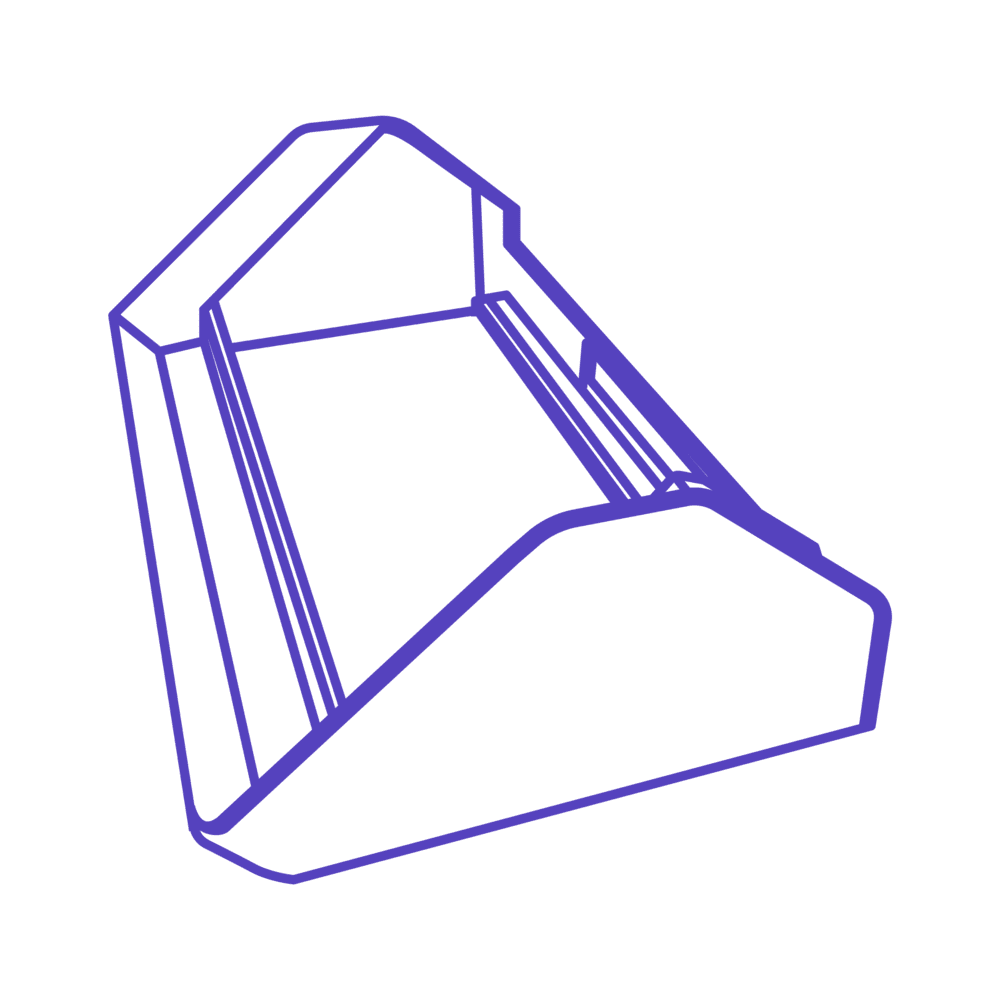
NexMacro angled stand outline
03 USB-C
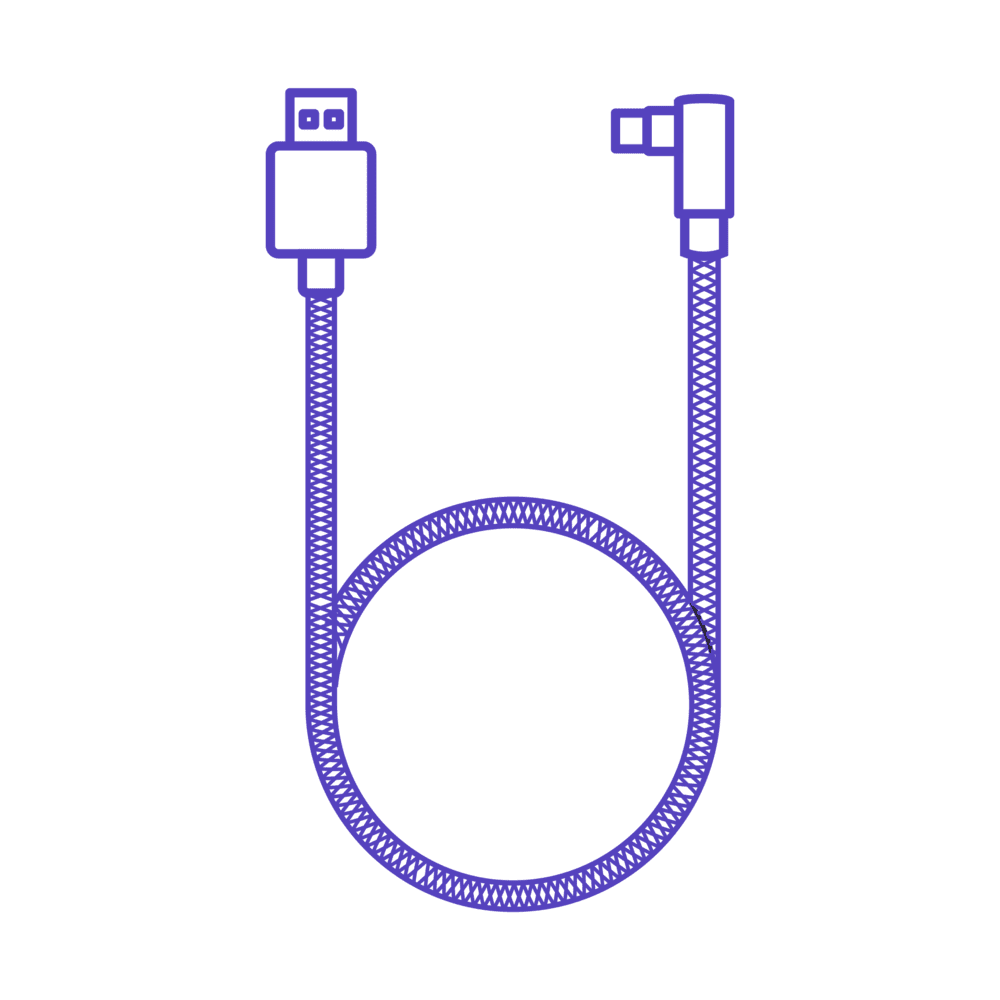
USB-C cable outline
Ready Out of the Box

What's Inside

The essentials are included, so you can plug in, set profiles, and start using NexMacro straight away.

NexMacro device
NexMacro Device 12 keys, 2 knobs, display control, profiles, and macros.
Angled desk stand
Angled Desk Stand Raises the screen angle for better viewing and desk comfort.
1 metre USB-C cable
1M USB-C Cable Reliable wired connection for power and desktop control.
Box Ready Plug in. Configure. Work faster.
Compatibility

Windows, macOS and Linux

Tested on Windows 10+, macOS 12+ and modern Linux distros via standard USB HID.

Windows Windows macOS macOS Linux Linux
Specifications
Screen 750 × 500 · 65K colour
Connectivity USB Type-C
Case Material Acrylic
Switch Sockets Hot-swappable
Dimensions 126 mm × 105 mm
Mouse Simulation Supported
PC Status Display Supported
Scripts Supported
Multi-action Keys Multiple actions with one stroke
Live Community

Join the NexMacro Discord

4 Online 4 Members

Get setup help, share layouts, download community profiles, request features, and follow firmware updates as NexMacro grows.

Join Discord
Support Setup Help
Profiles Share Layouts
Updates Firmware News
FAQ

Questions Before You Build Your Setup?

Quick answers about compatibility, setup, software, macros, profiles, and what NexMacro can do on your desk.

What is NexMacro?

NexMacro is a desktop macro pad built for shortcuts, app control, profiles, scripts, media controls, and live system information. It includes programmable keys, dual rotary knobs, and a large display so you can control real workflows without relying only on keyboard shortcuts.

Does it work with Windows, macOS, and Linux?

Yes. NexMacro is designed to work across Windows, macOS, and modern Linux distributions using standard USB HID behaviour. Some advanced configuration features may depend on the software tools available for each operating system.

Do I need to install software?

For basic use, the device connects through USB-C. To customise layouts, profiles, macros, key actions, scripts, and display behaviour, you will use the configuration software or provided config tools.

How many macros can I set?

NexMacro is designed around 25 profiles with 12 programmable keys, giving you up to 300 macro positions across different workflows. You can create separate layouts for editing, streaming, development, productivity, gaming, or general desktop control.

What can the knobs control?

The rotary knobs can be used for actions such as volume, scrolling, zooming, brush size, timeline movement, media control, app-specific shortcuts, or any mapped function supported by your configuration.

Can it show PC stats?

Yes. NexMacro is built to support live PC status displays, including information such as temperatures, power usage, fan speed, disk space, network speed, GPU clock, motherboard temperature, and uptime where supported.

Are the switches hot-swappable?

Yes. The switch sockets are hot-swappable, so you can change compatible mechanical switches without soldering. This makes it easier to tune the feel of the keys to match your setup.

What comes in the box?

The box includes the NexMacro device, an angled desk stand, and a 1 metre USB-C cable for a wired connection to your computer.

FOX v.2.4.3.1