

8-Key Programmable Macro Pad with Display for PC & Mac – NexMacro Core 8
68$ Original price was: 68$.50$Current price is: 50$.
- AUD: 78.00$
- EUR: 44€
Dialed in for your desk and OS.
This EezBotFun MacroPad model stores everything on-device and ships with tools made specifically for it.
Tested on Windows 10+, macOS 12+ and modern Linux distros via standard USB HID.
The manual, config app and web GUI all apply to this EezBotFun MacroPad model, including profiles, key icons, scripts and PC status display.
Core features
Explore the essentials.
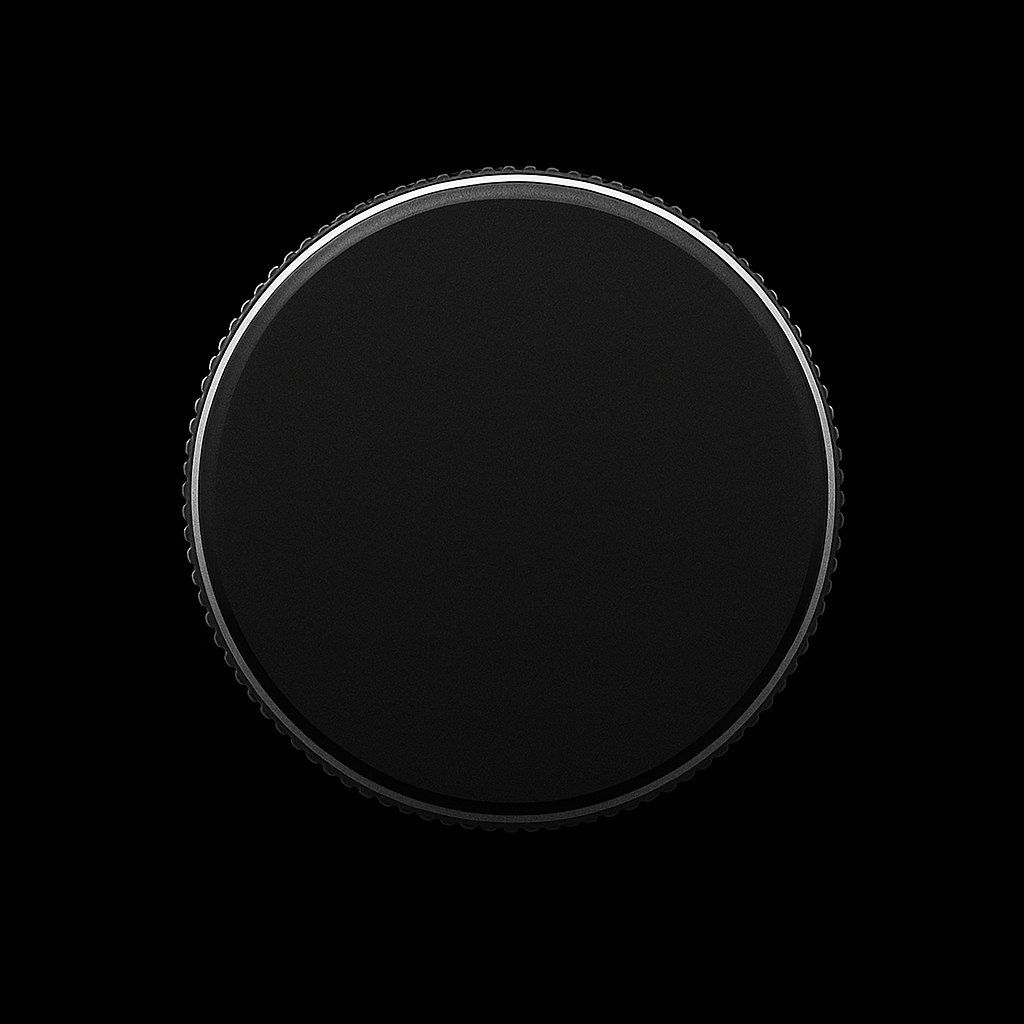
A clicky, tactile typing feel, a smooth control wheel and deep macro support — everything you actually touch has been dialled in.
Layers, tap/hold actions and sequences for every key.
One pad, 5 setups
Swap between work, play and streaming layouts in a tap.
Per-key RGB
Subtle glow or full-spectrum effects to match your desk.
Live PC Monitoring
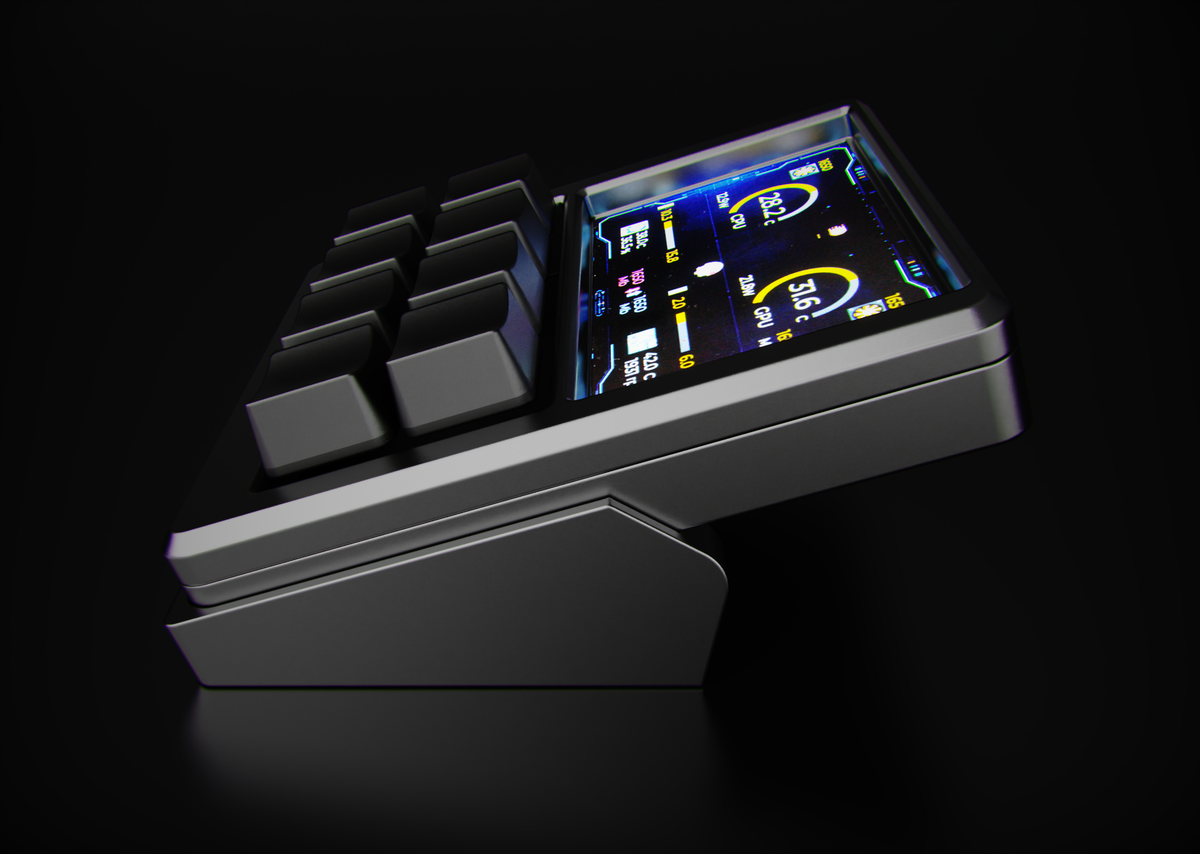
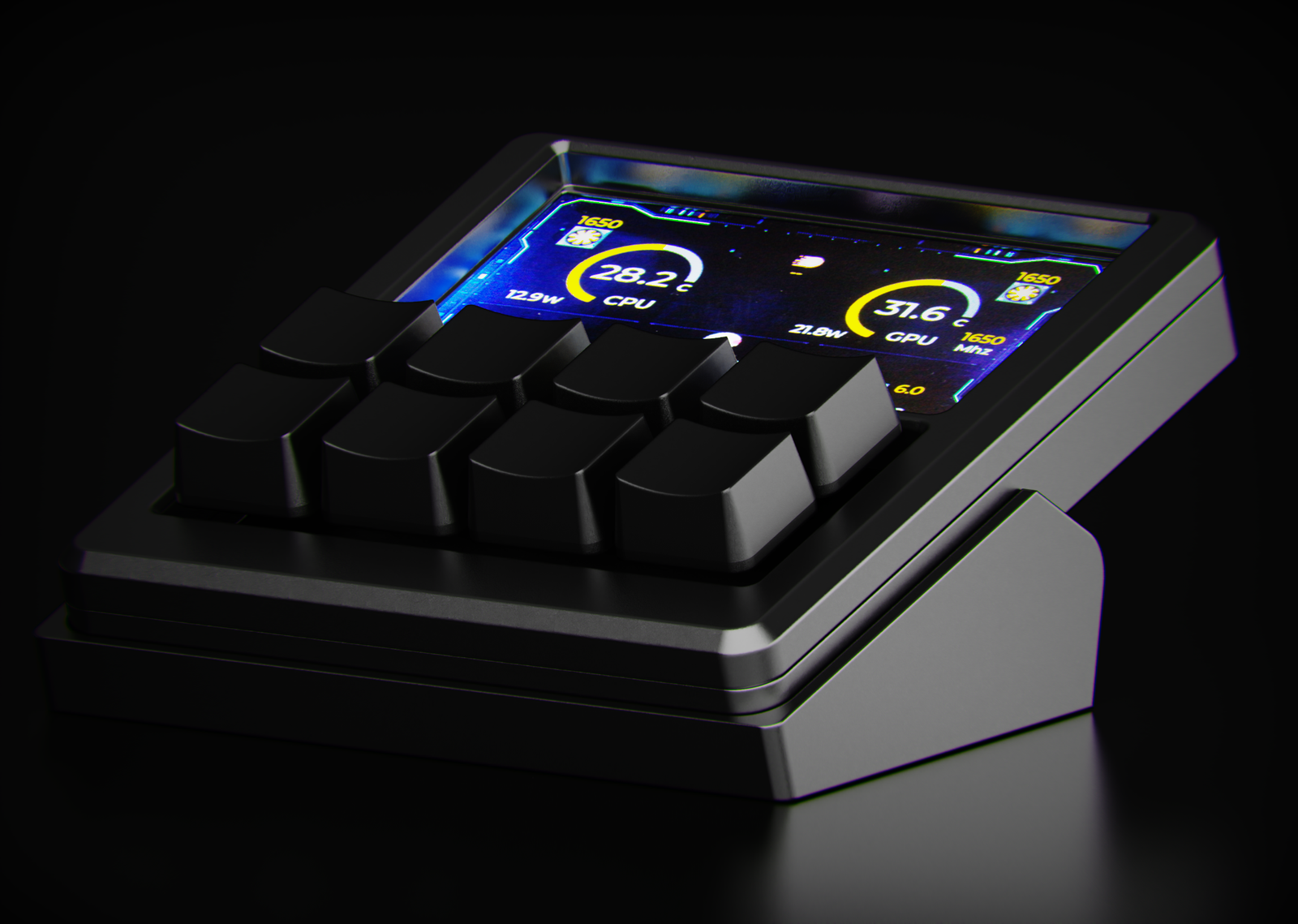
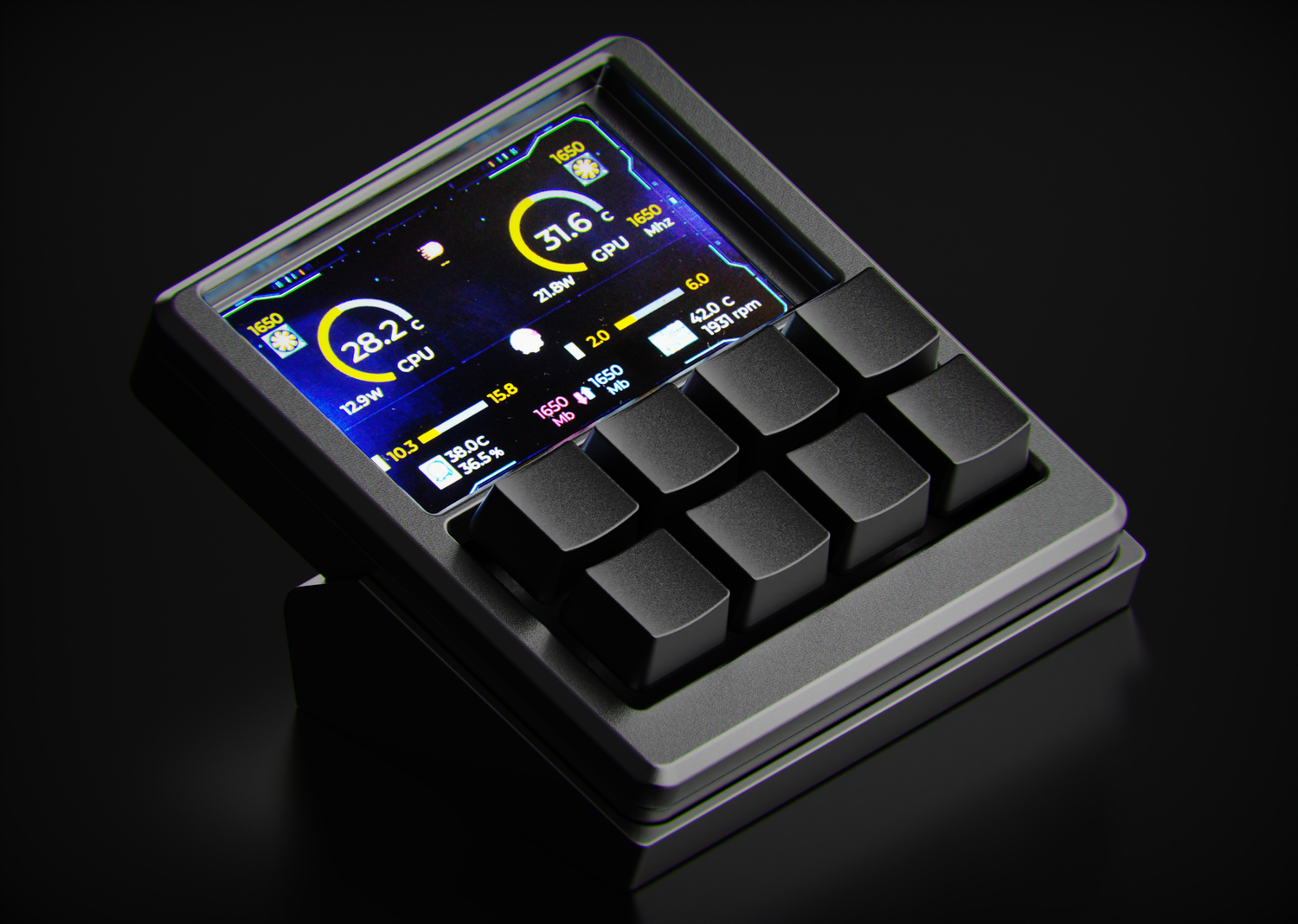
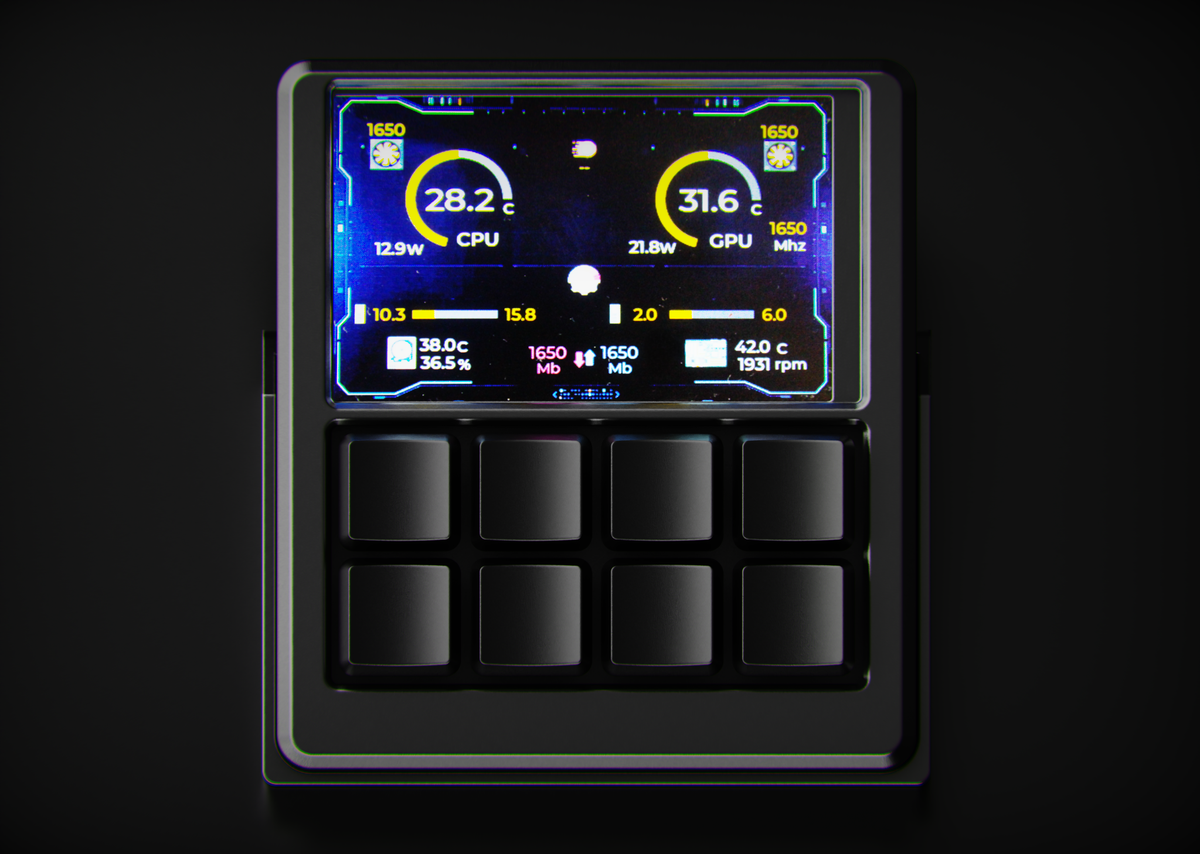
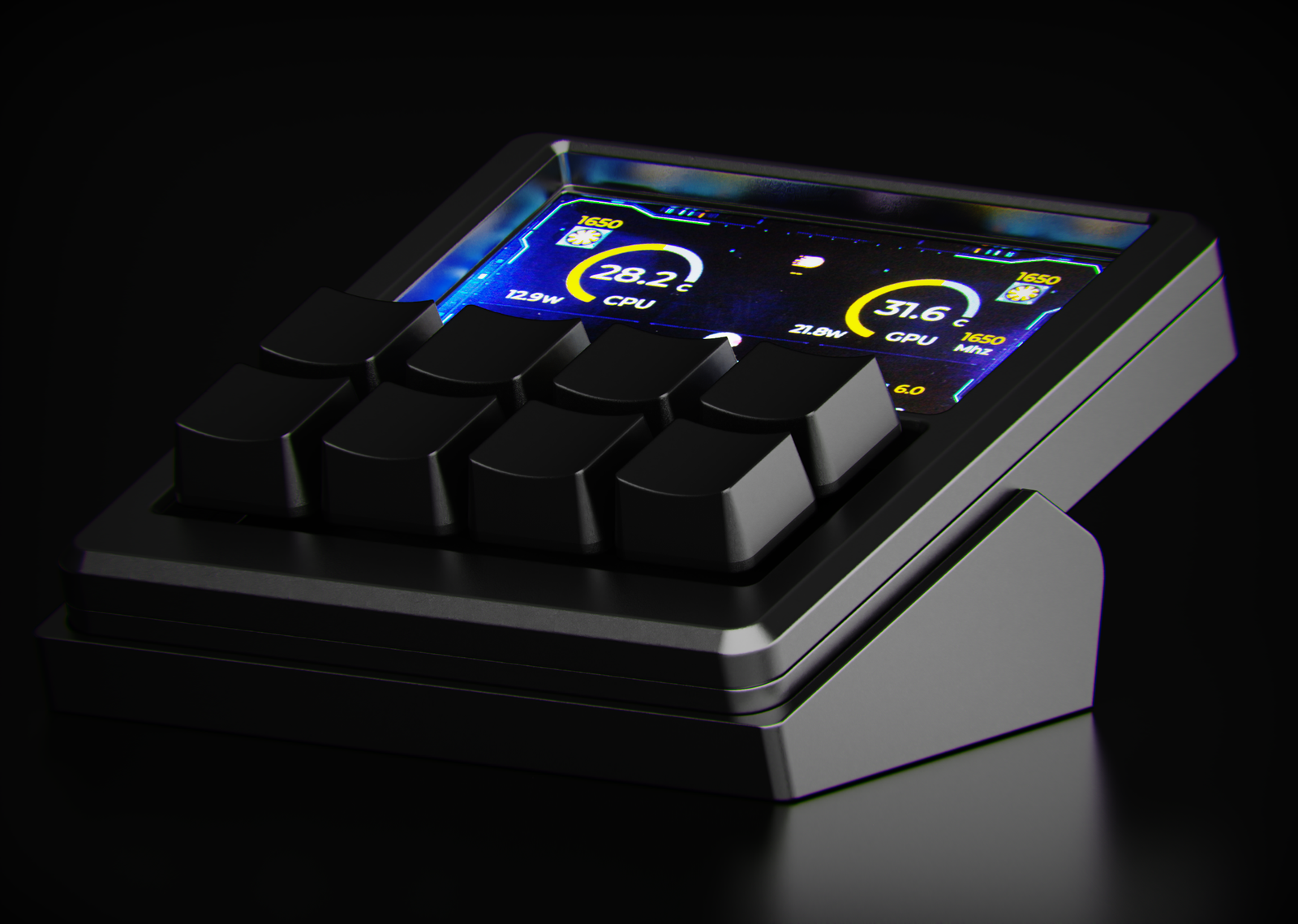
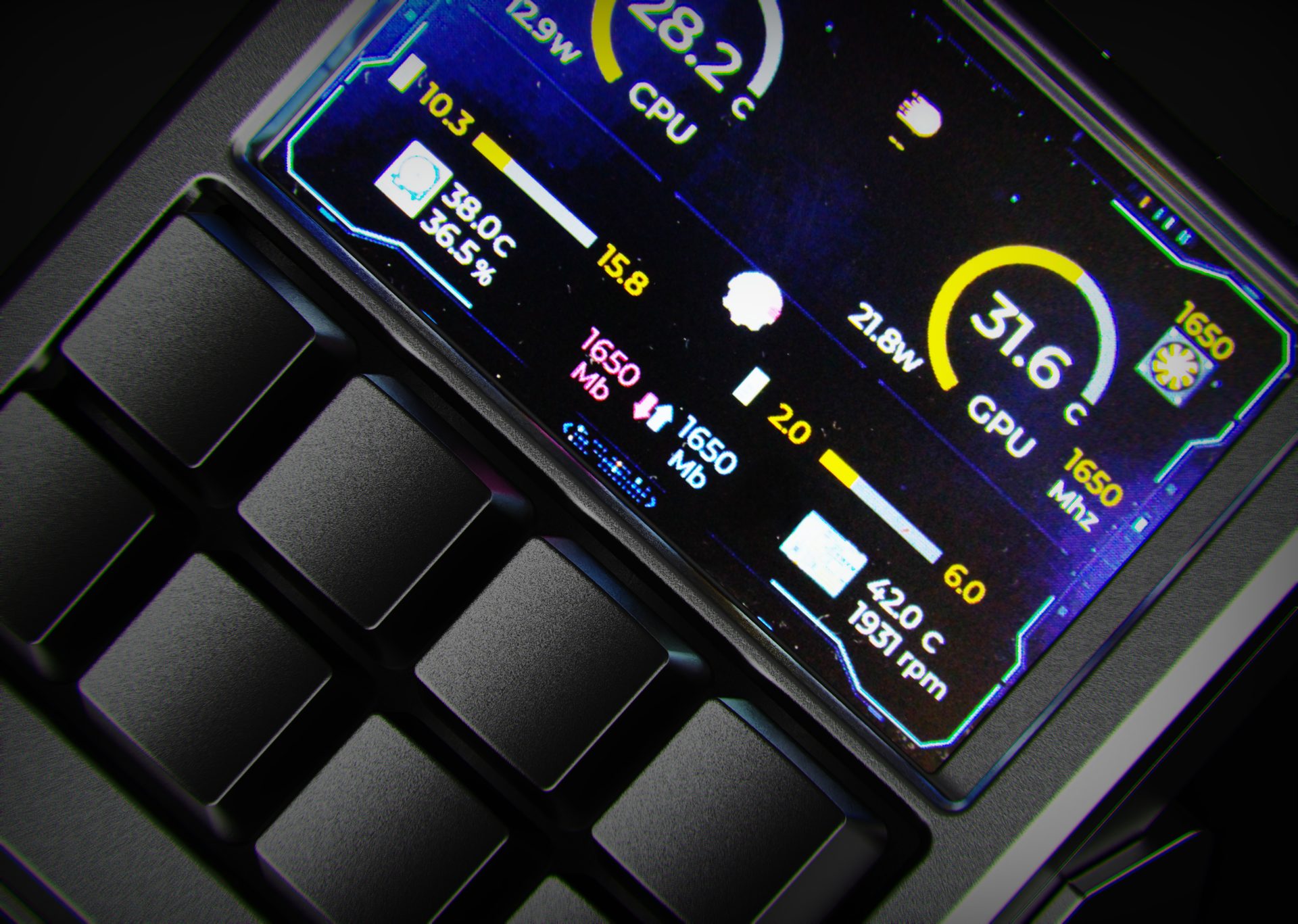
Turn the display into a tiny dashboard for CPU, GPU and temps.
What’s in the kit
Unbox, plug in, start creating.
Every NexMacro MacroPad comes fully assembled with the essentials, so you can go from delivery to dialled-in workflow in minutes.
Everything you need to get tapping.
Each NexMacro MacroPad ships fully assembled, tested and ready to drop straight onto your desk. Plug it in, load a profile, and you’re ready to go.
- NexMacro MacroPad (assembled, function-tested)
- Macro Pad Stand
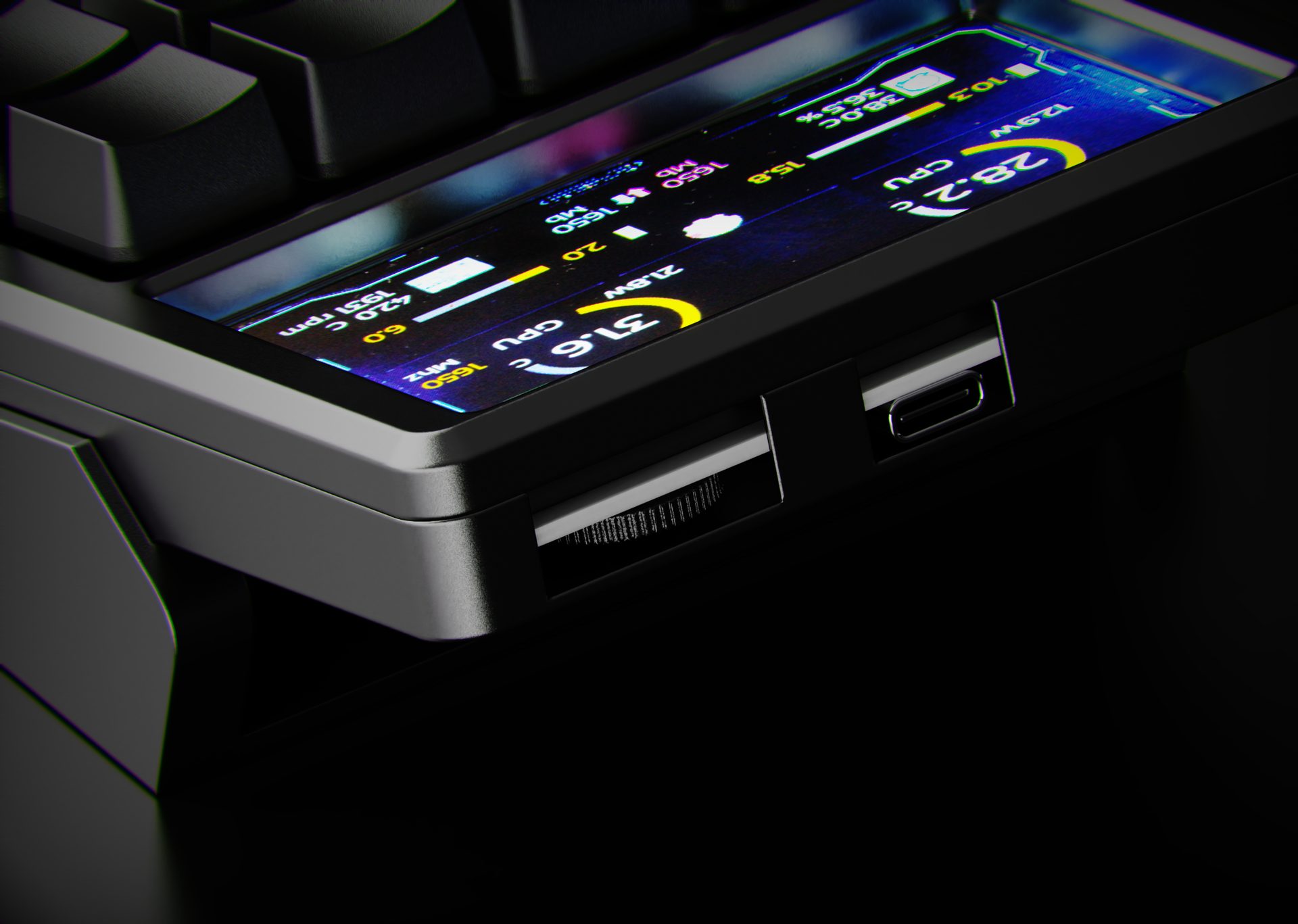
- USB-C cable for power and data
- Quick start card with first-time setup steps
- Link to config app, web GUI and full user manual
Make the boring parts one tap.
Whether you’re shipping code, cutting video or going live, the NexMacro MacroPad gives your most-used actions a permanent home within reach.
- Developers: build & run, terminal toggle, window snapping, Git actions and AI prompts on dedicated keys.
- Creators: brush size, undo/redo, layer tools, export presets and timeline navigation under your fingers.
- Streamers: scene switching, mic mute, cam toggle, clip last 30s and chat macros mapped to a single tap.
Profiles are fully editable, so you can fine-tune every key as your workflow evolves.
Deep dive
What makes this macro pad different?
For anyone comparing mechanical macro pads, stream decks and shortcut keypads, here’s the longer explanation of how the NexMacro macro pad is built.
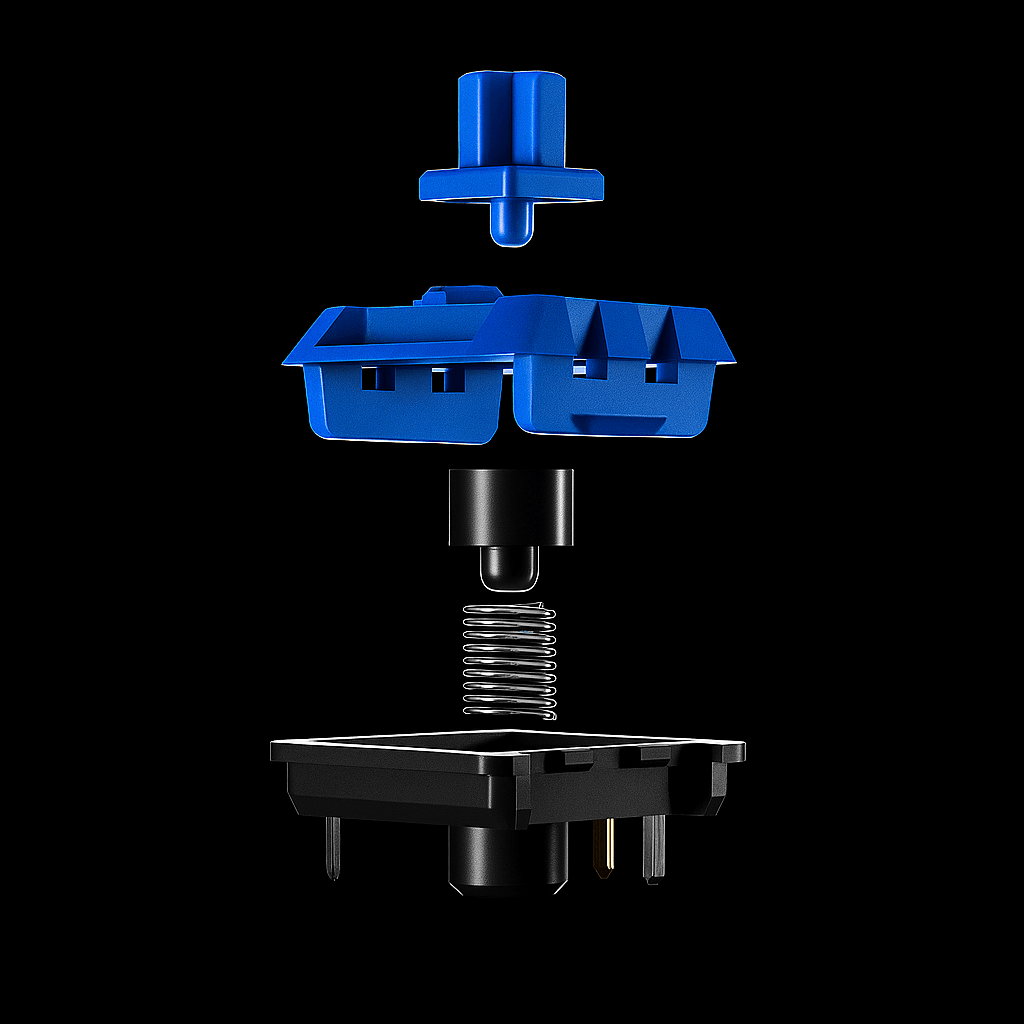
NexMacro is a compact mechanical macro pad with 8 fully programmable keys, a precision control wheel and a full-colour display. It’s designed to replace generic “stream decks” with something that feels like a real keyboard: hot-swappable MX switches, per-key RGB backlighting and deep macro support for coding, editing, streaming and everyday shortcuts.
› Read more about the NexMacro macro pad
Mechanical macro pad for creators, coders and streamers
Unlike generic USB keypads, the NexMacro macro pad is built around MX-style mechanical switches and a dedicated rotary encoder wheel. Each of the 8 macro keys can be mapped to single hotkeys, complex key combinations or full multi-step macros, so you can trigger actions in your editor, DAW, browser or game with a single press. The board shows your custom icons on the display, making it easy to remember what every key does even when you switch profiles.
For developers, the macro pad is ideal for build commands, terminal toggles, window management, Git actions and even AI prompts. For designers and video editors, you can dedicate keys to tools, export presets, timeline navigation and layer controls. Streamers can use it as a stream deck alternative for scene switching, mute and push-to-talk, triggering alerts and dropping markers without reaching for the mouse.
Hot-swappable switches and per-key RGB backlighting
The PCB uses MX-compatible hot-swap sockets, so you can easily experiment with different mechanical switches. Swap the stock clicky switches out for linears, tactiles or silent options without soldering. Because each switch is individually addressable, the board also supports per-key RGB lighting. You can set static colours that match your keyboard, or create layers that change colour when you switch profiles so you always know which layout is active.
Under every switch is an RGB LED that shines through the housing and around the keycap, giving the macro pad a clean glow on dark desks. Lighting effects are fully optional: you can run subtle single-colour accents for a work setup, or go full spectrum for gaming and streaming.
Config app, onboard memory and profile switching
All macros and lighting are configured through a dedicated config app. You can drag-and-drop key actions, record complex sequences, assign icons to each key and save multiple profiles for different workflows. Once saved, profiles are written to onboard memory, so the NexMacro macro pad keeps your macros even when you plug it into another PC, laptop or streaming rig.
A dedicated profile switch or layer key lets you jump between layouts instantly. Many users keep one profile for development, one for creative apps and one for streaming, turning the macro pad into a single compact controller that adapts to whatever they are working on.
Compact form factor, USB-C and wide compatibility
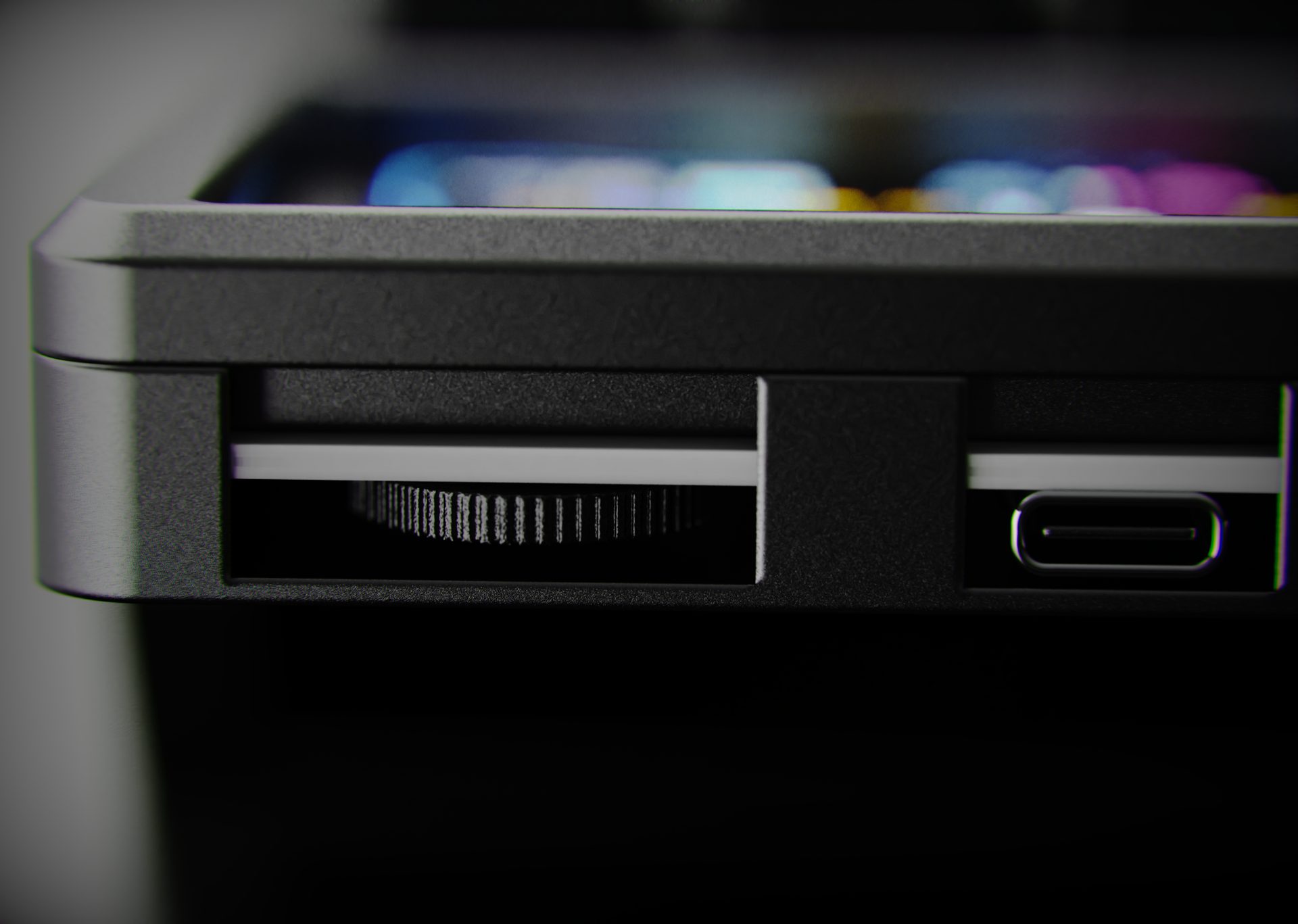
The chassis is small enough to sit next to your main keyboard or in front of a laptop without crowding your mouse space. A single USB-C cable handles both power and data. Because the device presents itself as a standard keyboard, it works with any software that supports keyboard shortcuts, and it is a strong option for anyone searching for a programmable macro pad, mechanical shortcut keypad or stream deck style controller that feels more like a custom keyboard than a plastic gadget.
If you’re looking for a small but powerful controller to automate repetitive tasks, trigger macros and keep live controls under your fingertips, the NexMacro macro pad is designed to slot straight into your setup and stay on your desk every day.
FAQ
Answers before you even plug it in.
A quick run-through of the questions we get most about the NexMacro MacroPad, from compatibility to hot-swapping and software.
What systems does the MacroPad work with?
›
Out of the box it works on Windows and macOS as a USB keyboard-class device, so any app that accepts hotkeys will work. You can also use it on Linux, but some advanced features (like the config app) may require manual setup.
Do I need special software to program the keys?
›
You can use the dedicated config app to build profiles with drag-and-drop actions, icons and colours. Once a profile is saved, it lives on the device, so your macros still work even if the software isn’t running.
Are the switches really hot-swappable?
›
Yes. The PCB uses MX-compatible hot-swap sockets. You can pull out the existing switches with a switch puller and drop in any standard 3-pin or 5-pin MX-style switch without soldering.
Can I use different switches on different keys?
›
Absolutely. Many people run heavier tactile switches on certain macros and lighter linears for spammy actions. Each of the 8 keys can be tuned independently so the board feels exactly how you want.
How many profiles and macros can it store?
›
The MacroPad supports multiple onboard profiles, each with up to 256 individual actions, including tap, hold and multi-step sequences. You can flip profiles instantly using the dedicated profile switch or a key you assign as a layer toggle.
Does the RGB lighting affect performance or heat?
›
The per-key RGB is low-power and runs off the same USB-C connection as the rest of the board. It doesn’t generate noticeable heat and you can dim it, switch to static colours or turn it off entirely from the config app or on-device controls.
Dialed in for your desk and OS.
This EezBotFun MacroPad model stores everything on-device and ships with tools made specifically for it.
Tested on Windows 10+, macOS 12+ and modern Linux distros via standard USB HID.
The manual, config app and web GUI all apply to this EezBotFun MacroPad model, including profiles, key icons, scripts and PC status display.